
Play Football
How To Create Non-Playing Role Registration Type
Club Administrators
1. Select ‘Registration’s -> ‘Registration Types’
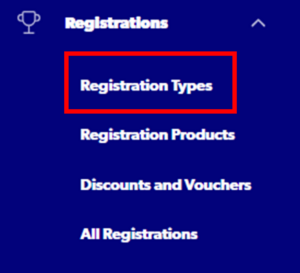
2. Select ‘Create New Registration Type’

Step 1: Registration Group – ‘Non Playing Roles’

Step 2: Football Type – Select ‘All’

Step 3: Playing Level – ‘All’

Step 4: Registration Season – 2025

Step 5: Parent Registration Type
Select from the following Non-Playing Roles: Volunteer, Coach, Referee
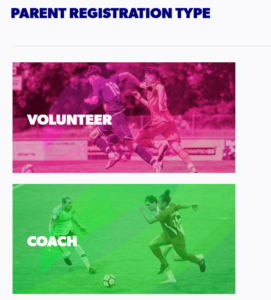
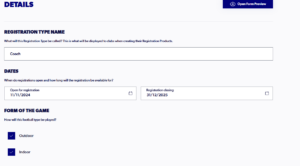
Step 6: Complete Registration Type Details
- Can edit details such as name, dates, age range, gender
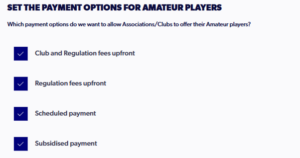
Step 7: Payment Options
- Select Payment Options and fee applicable for the Association
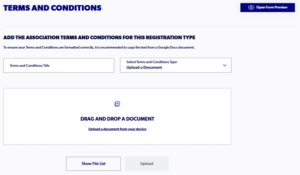
Step 8: Terms & Conditions
- Please note that T&C’s must be uploaded and be a pdf file format
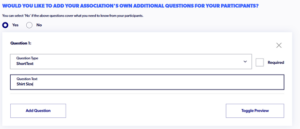
Step 9: Additional Questions (Optional)
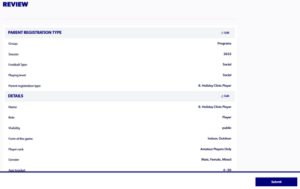
Step 10: Review
- Admin’s can review the registration type. If you are happy with all the sections select ‘Submit’
Need help?
Can't find the answer to your question? Get in touch with our support team.
Request support