
Play Football
How to Create Tournament Registration Type
Club Administrators
- Select ‘Registrations’ -> ‘Registration Types’
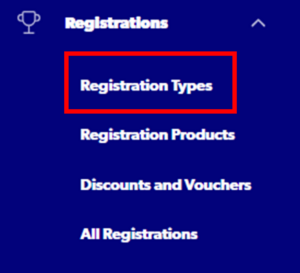
2. Select ‘Create New Registration Type’

Step 1: Registration Group – ‘Programs’

Step 2: Football Type – ‘Club Football’

Step 3: Playing Level – ‘Tournament Football’

Step 4: Registration Season – ‘2025’

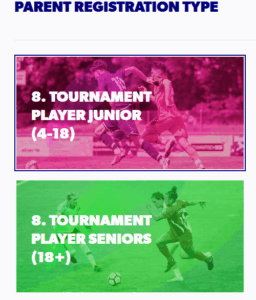
Step 5: Parent Registration Type
Select from either the Junior or Senior Parent Registration Type
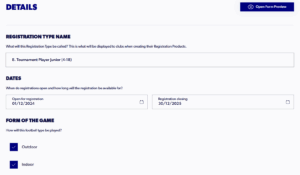
Step 6: Details
Input details such as Registration Type Name, Dates, Age, Gender
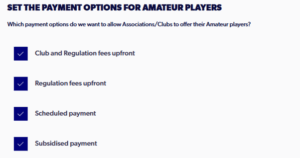
Step 7: Payment Options
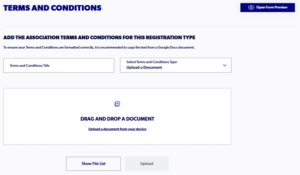
Step 8 Terms & Conditions
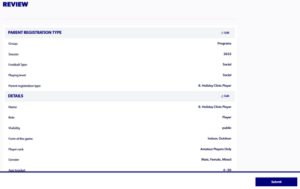
Step 10: Review
Need help?
Can't find the answer to your question? Get in touch with our support team.
Request support